My mate Dave called me up last Tuesday, proper excited about something he'd found in his loft. "You'll never guess what I've dug up," he said, and honestly, knowing Dave's collecting habits, it could've been anything from a mint condition Jaguar CD to a box of cereal from 1987. Turns out it was his old Nintendo 64 with four controllers, all the sticks still tight as the day they left the factory. Lucky sod.
"Right," he says, "I want to play this on my Switch. Is that even possible?" And there's the question that's been bouncing around retro gaming circles for years now—can you actually use an original N64 controller with a Nintendo Switch? The short answer is yes, but like most things worth doing, it's not exactly straightforward.
See, I've been down this rabbit hole myself. There's something about that three-pronged alien spaceship of a controller that just feels right for certain games. Mario 64 on the Switch Online service is brilliant, don't get me wrong, but playing it without that proper Z-trigger under your middle finger? It's like trying to eat chips with a fork. Technically possible, just fundamentally wrong.
The first thing you need is an adapter. Not just any adapter, mind you—there's proper junk out there that'll have you throwing controllers at the wall. I learned this the hard way with a £12 effort from eBay that lasted exactly three sessions of GoldenEye before giving up the ghost. The build quality was about what you'd expect from something that cost less than a takeaway.
What you want is either the 8BitDo Gbros or the Mayflash Magic-NS Pro. I've got both, and they're night and day compared to the bargain bin stuff. The 8BitDo unit is sleek, feels properly made, and—this is crucial—doesn't add noticeable input lag. I tested it side by side with a Pro Controller on Mario Kart, and honestly couldn't feel the difference. The Mayflash is chunkier but rock solid, and it works with practically everything you can plug into it. PS1 controllers, Saturn pads, even those mad Nintendo Power Glove things if you're feeling particularly masochistic.
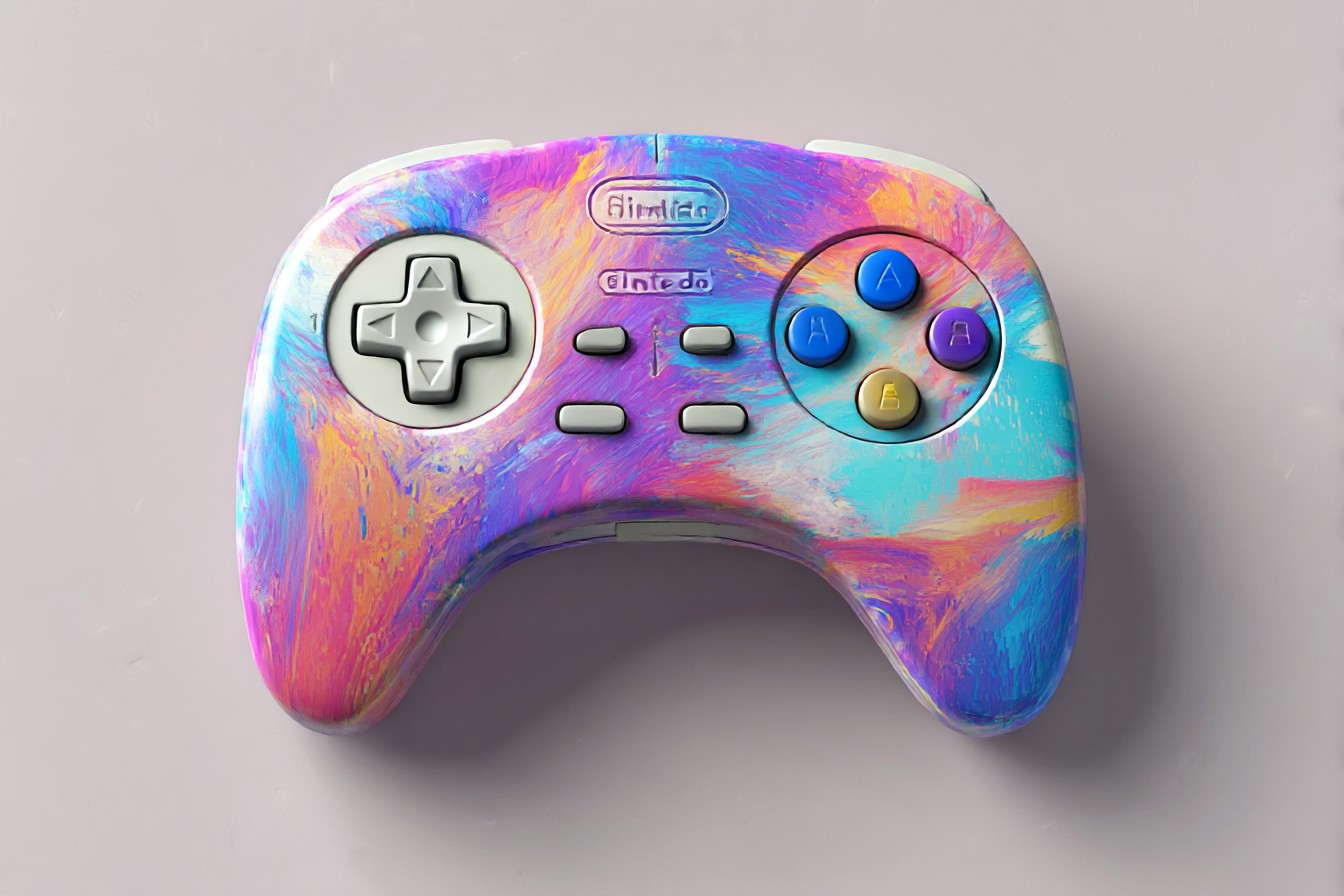
Setting them up is dead simple once you know the dance. You plug the adapter into your Switch dock, hold down the sync button (usually a tiny thing you'll need a paperclip for), then power on your N64 controller. Most adapters will flash a light when they're paired—blue for connected, red for "you've done something wrong, try again." The whole process takes about thirty seconds when it works, thirty minutes when it doesn't want to cooperate.
Here's where it gets interesting though. The N64 controller doesn't map perfectly to modern expectations because, well, it wasn't designed for them. You've got that C-stick arrangement instead of a proper right analog stick, and the D-pad sits off to one side like it's having an existential crisis. Most adapters handle this by mapping the C buttons to the right stick, which works brilliantly for camera controls in Mario 64 but feels weird in games that expect actual stick input.
The Z-trigger becomes your left shoulder button, which makes sense until you're playing something that uses both shoulder buttons extensively. Then you're doing finger gymnastics that would make a pianist weep. I spent an entire evening trying to play Breath of the Wild with an N64 pad just to see if it was possible. Spoiler: it sort of is, but your hands will hate you by morning.
Some adapters let you remap buttons through companion apps. The 8BitDo has a lovely little piece of software that runs on your phone—scan a QR code, connect via Bluetooth, and suddenly you can assign any physical button to any virtual function. Want the A button to be B? Done. Want the C-stick to control the left analog instead? Bit mental, but it's your funeral. The level of customization is actually quite impressive once you get your head around it.
The real magic happens when you're playing actual N64 games through Switch Online. Mario 64 feels absolutely perfect with the original pad—that analog stick precision, the Z-trigger for long jumps, everything just clicks. Same with Mario Kart 64; there's a weight and resistance to the controls that you just can't replicate with modern sticks. Even Ocarina of Time, though the remapped buttons take some getting used to.
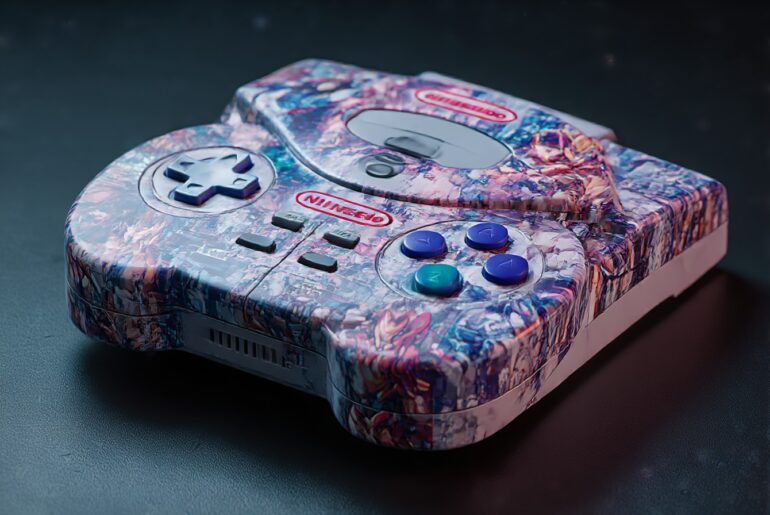
I've noticed the battery life varies wildly depending on which controller you're using. My translucent purple pad (still my favorite after all these years) seems to drain adapters faster than the solid color ones. No idea why—maybe the plastic formulation affects the wireless signal somehow? Electronics are weird like that. The good adapters will give you several hours of play before needing a charge, which is plenty for a proper session.
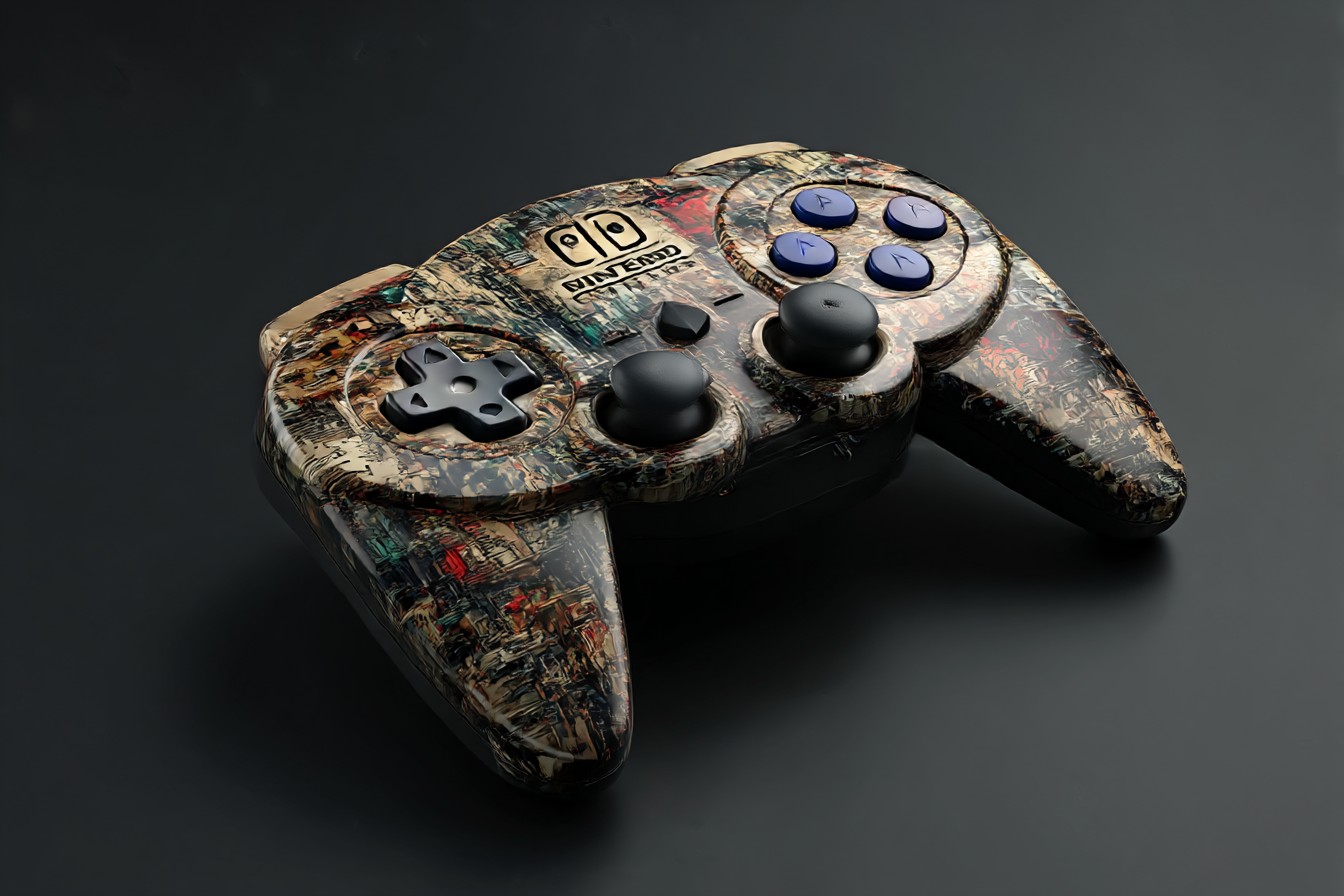
One thing that caught me off guard was the rumble situation. Original N64 Rumble Paks obviously don't work through adapters, but some of the fancier units actually simulate feedback through the controller itself. It's not the same as that proper mechanical rumble from back in the day, but it's better than nothing. First time it worked, I actually jumped—hadn't expected it at all.
There are limitations, obviously. The N64 pad only has one analog stick, so any modern game expecting twin-stick controls is going to feel compromised. The button layout means some Switch games are basically unplayable—try navigating a complex menu system with C buttons and you'll see what I mean. But for retro gaming, for that authentic experience of playing Mario 64 the way it was meant to be played? Absolutely worth the effort.
The whole setup lives permanently plugged into my dock now, N64 controller sitting right next to the Pro Controller like they're old mates catching up. Sometimes I'll fire up a game just to feel that familiar weight in my hands, that slight resistance in the stick, the satisfying click of the Z-trigger. It's muscle memory made physical, nostalgia you can actually hold.
Worth every penny of the adapter cost, and every minute spent figuring out the button mapping. Some things are just meant to be experienced properly.